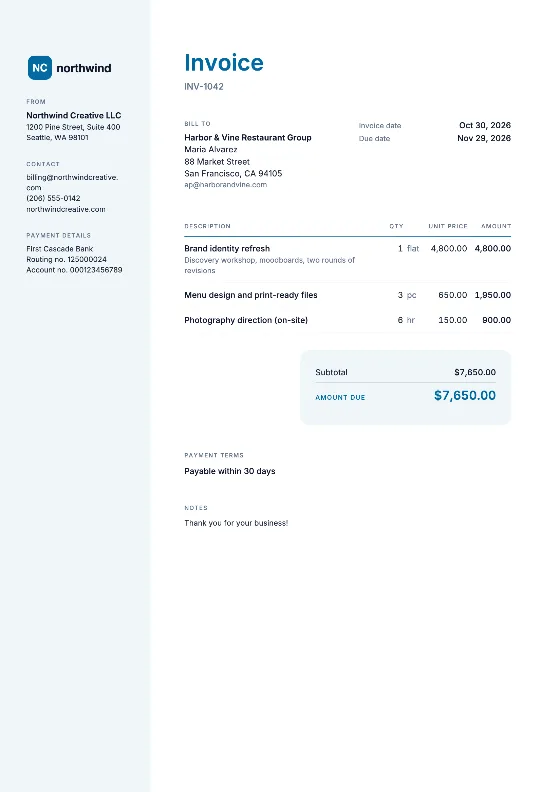
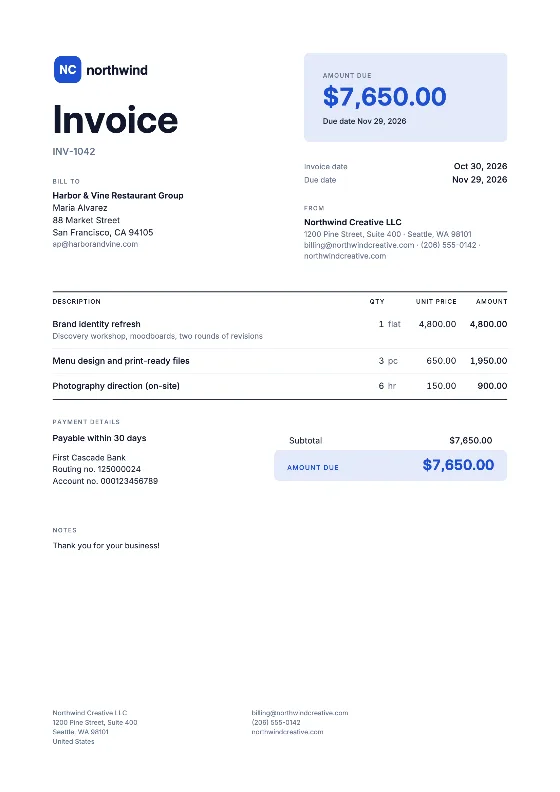
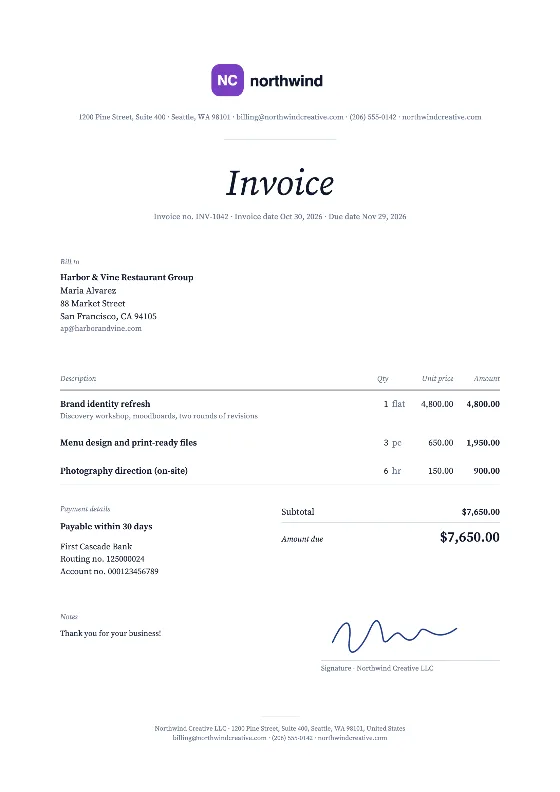
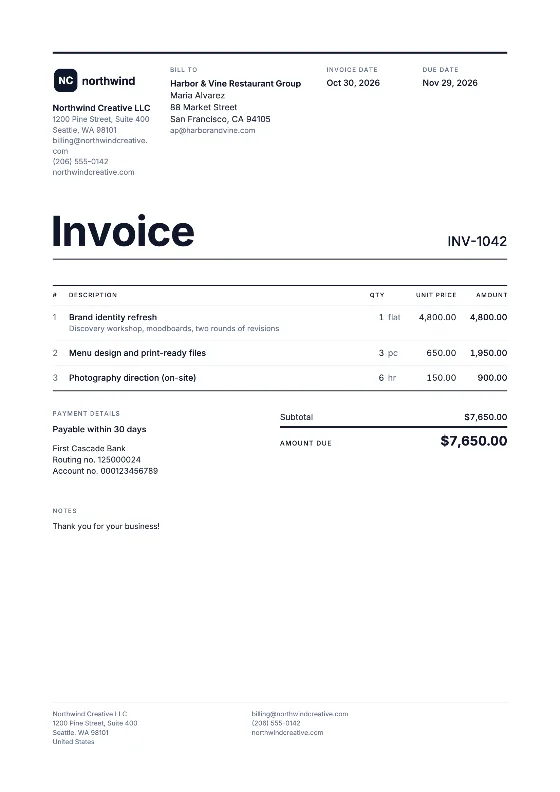
Two ways to use these templates
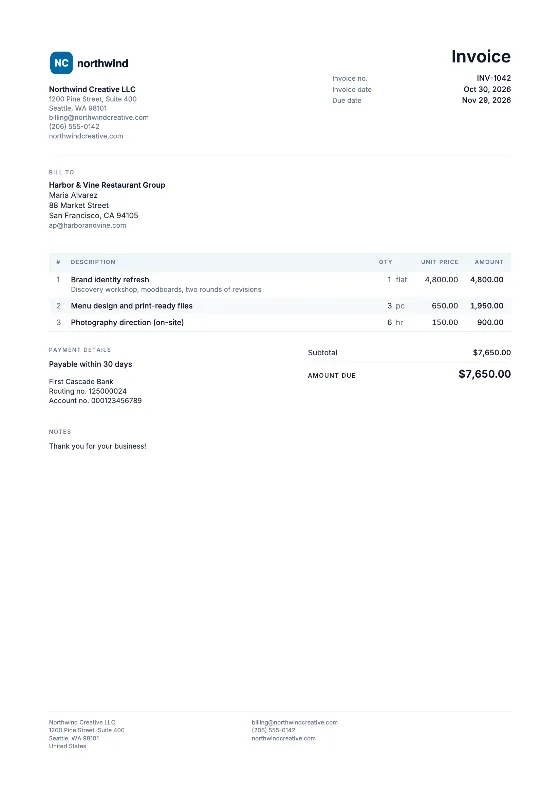
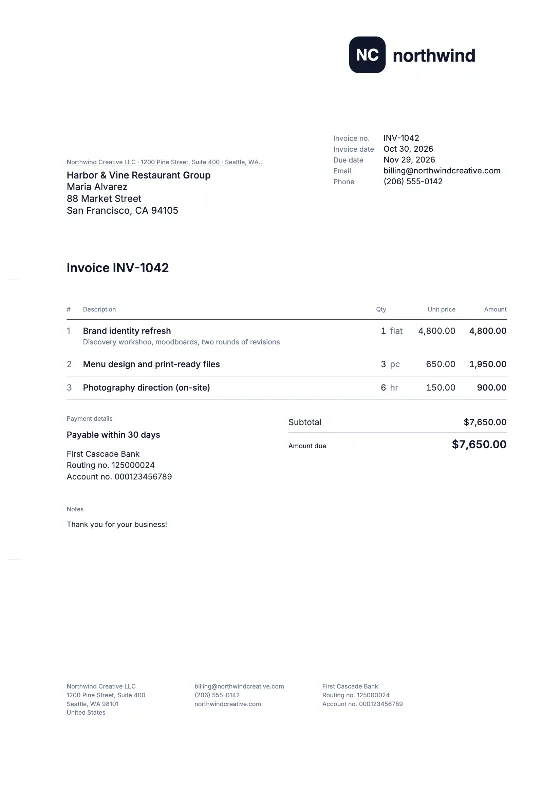
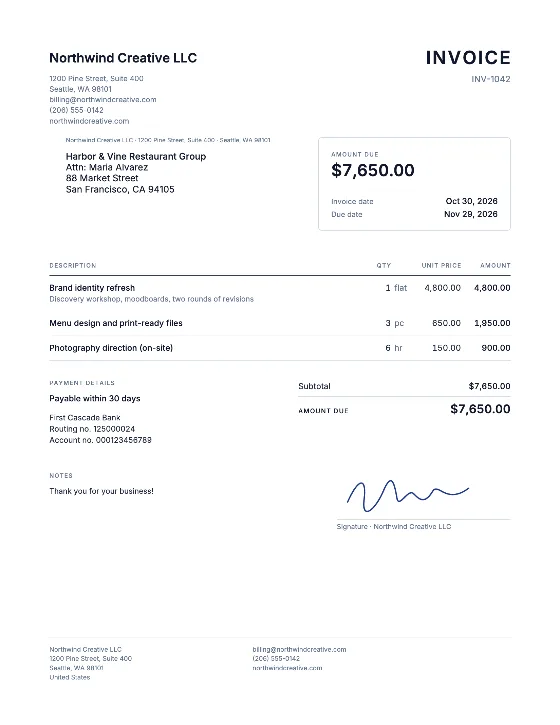
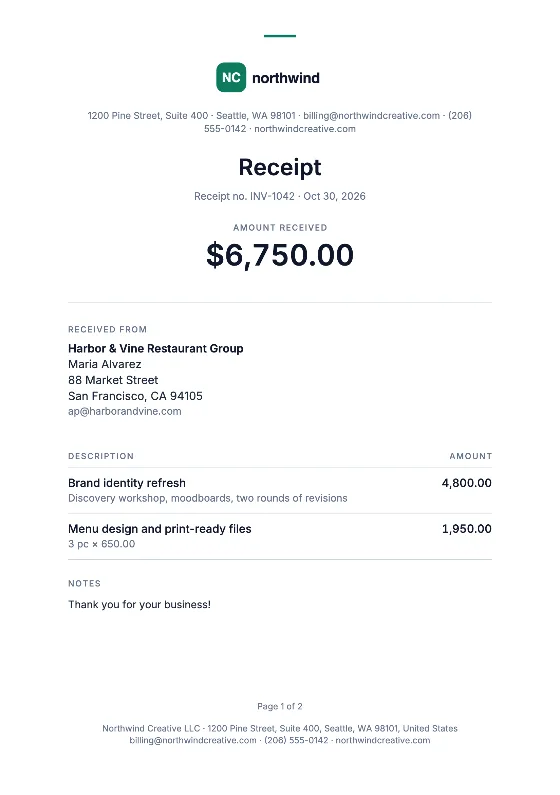
Fill in online. Tap a design in the gallery above and it opens in the invoice generator with that layout selected. You enter your details once, the totals and tax are calculated for you, and you download a finished PDF. Your business profile and clients are remembered in your browser for next time.
Download a blank file. If you would rather work in your own software, download the blank invoice template as a DOCX for Word, an XLSX for Excel with working formulas, or a fillable PDF. Each file has the fields a simple invoice needs and nothing more.
Which format fits you
| You work mostly in… | Best choice | Calculates totals? |
|---|---|---|
| Microsoft Word | Word invoice template | No, you add them up |
| Microsoft Excel | Excel invoice template | Yes, built-in formulas |
| Google Docs | Google Docs invoice template | No |
| Google Sheets | Google Sheets invoice template | Yes, formulas carry over |
| No office software | Fillable PDF invoice | No |
| Any browser | The online editor | Yes, per tax rate |
What a simple invoice template should include
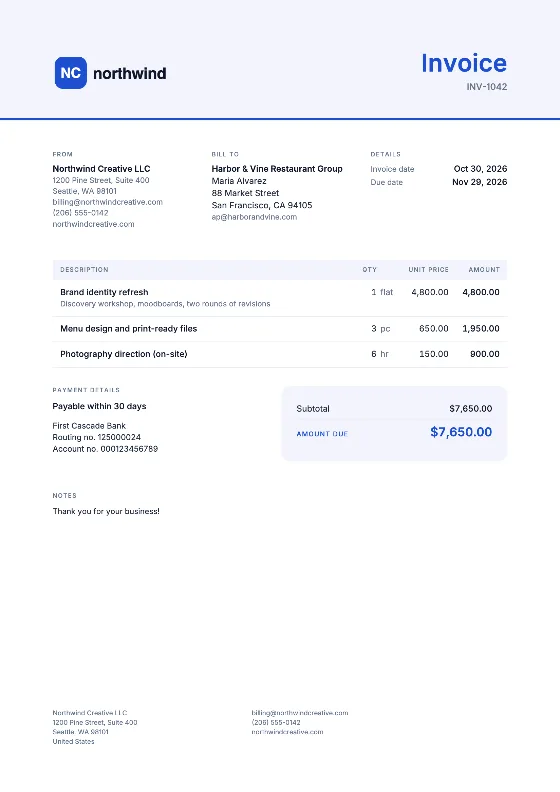
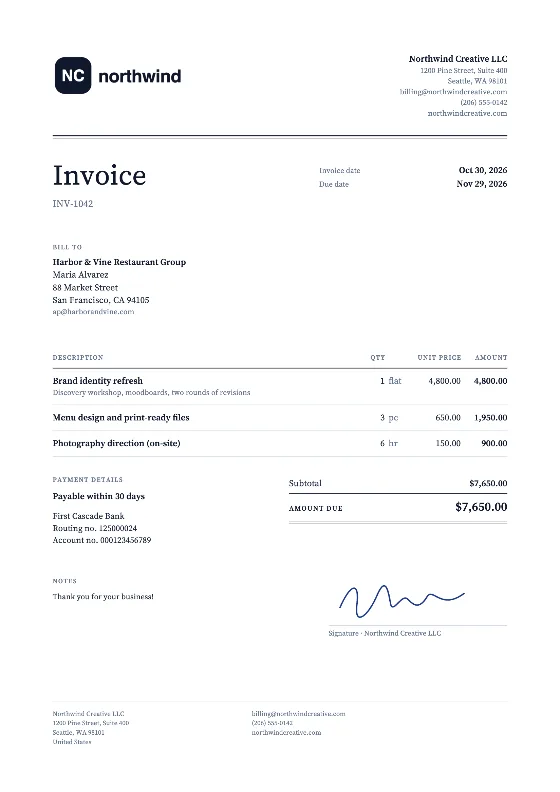
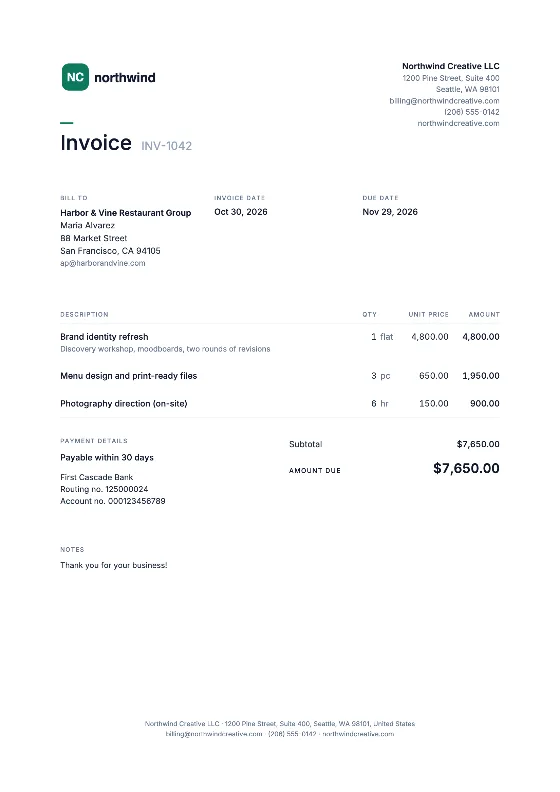
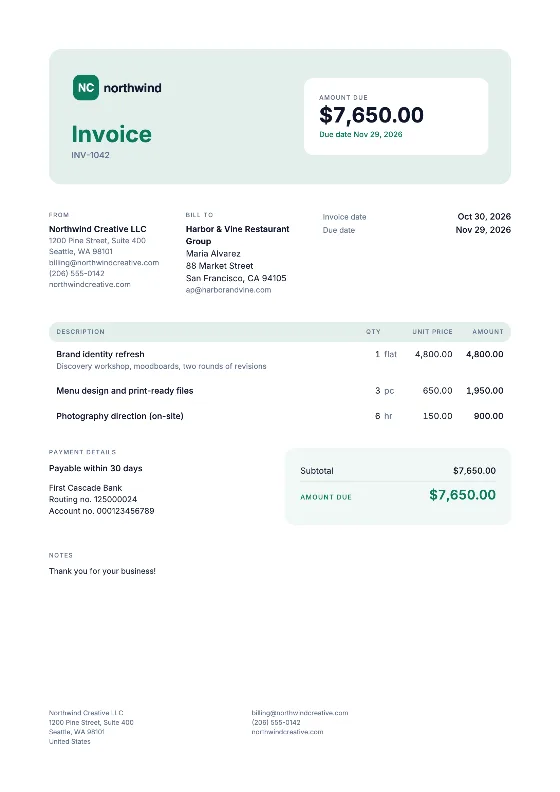
A good blank invoice template is short. It needs: the word “Invoice”, an invoice number, issue date and due date, your name and contact details, the client’s name and address, a table for description, quantity, unit price and amount, a tax line, the total, and a box for payment instructions. Our guide what to include on an invoice explains each field and the extras some countries require, such as a VAT number in the UK or an ABN in Australia.
Templates by country and trade
Invoice rules differ by country. These versions open the editor with the right fields and tax rates: UK, Canada, Australia, Ireland and New Zealand.
If you want sample lines that match your work, start from a trade template: contractor, freelance, hourly, consulting, cleaning or graphic design.
Before you send a template invoice
Blank files do not check anything for you. Before sending, make sure the invoice number has not been used before, the dates are right, the arithmetic adds up and the payment details are correct. See invoice numbering for a simple numbering system you can keep for years.