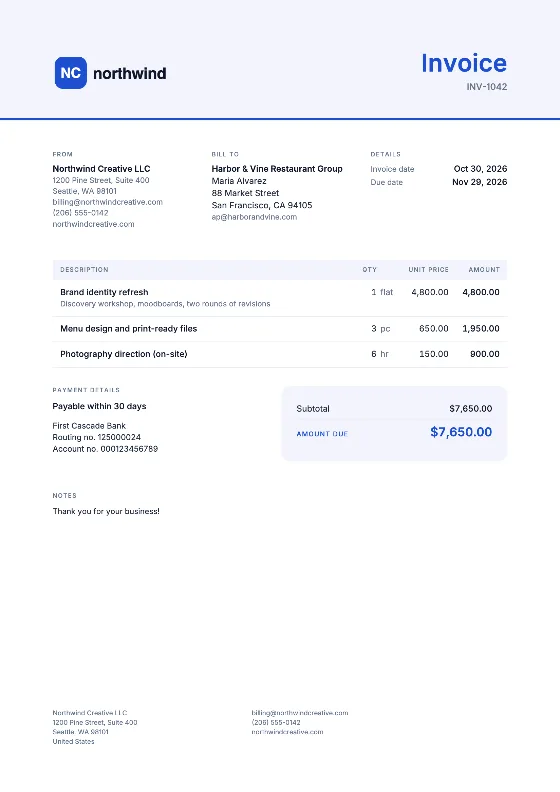
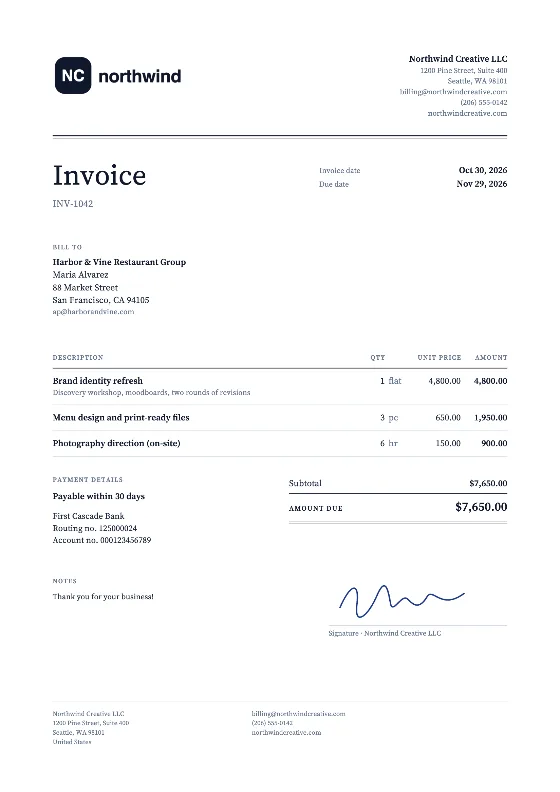
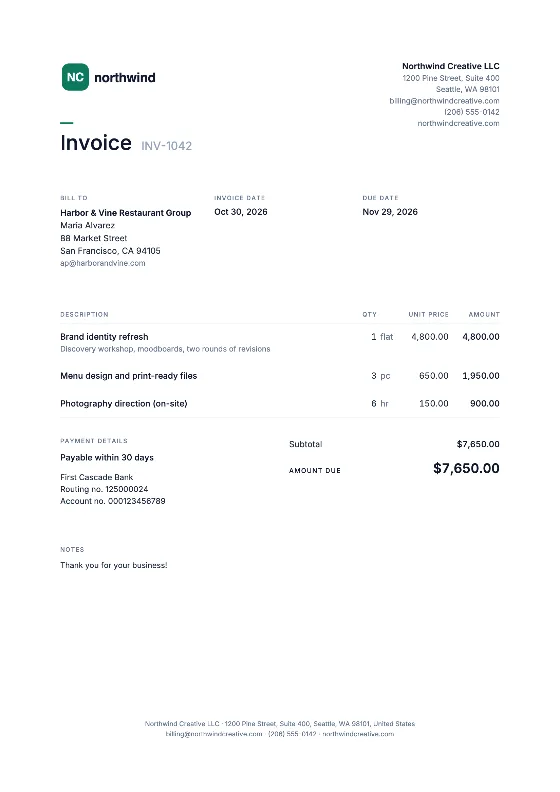
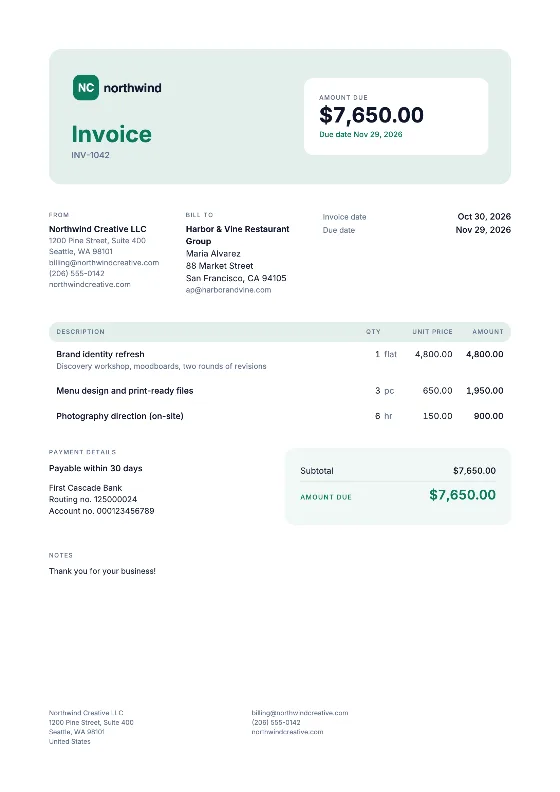
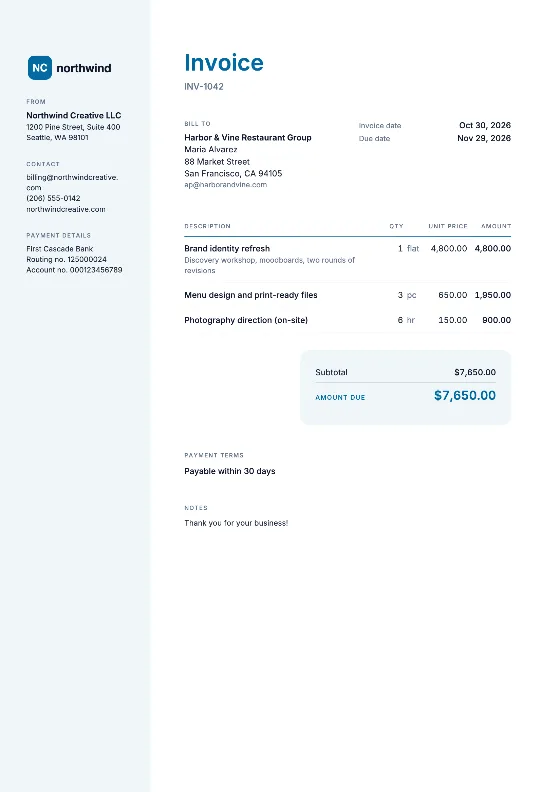
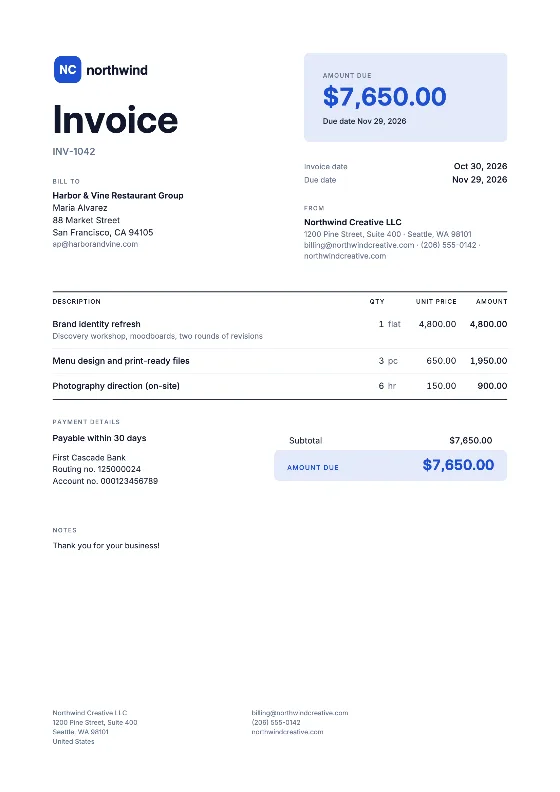
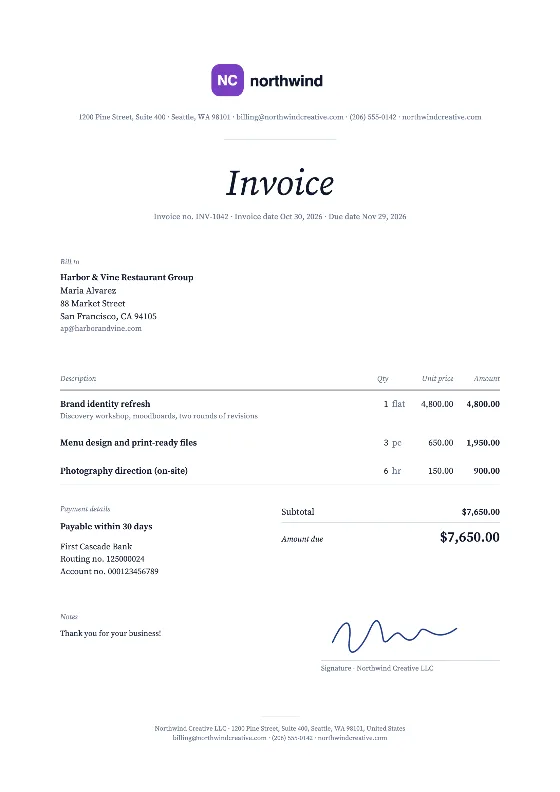
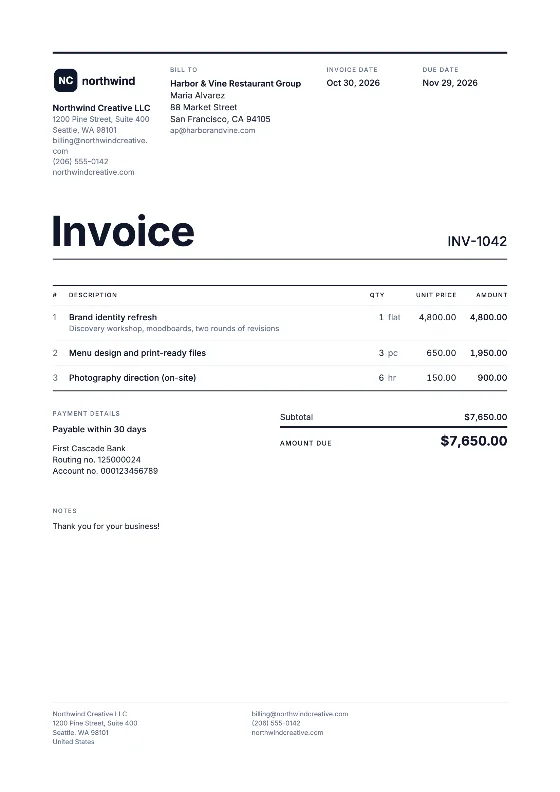
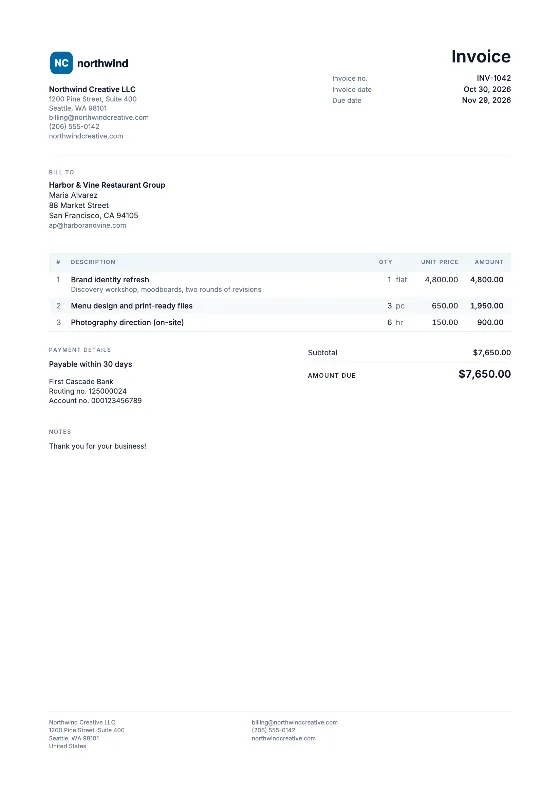
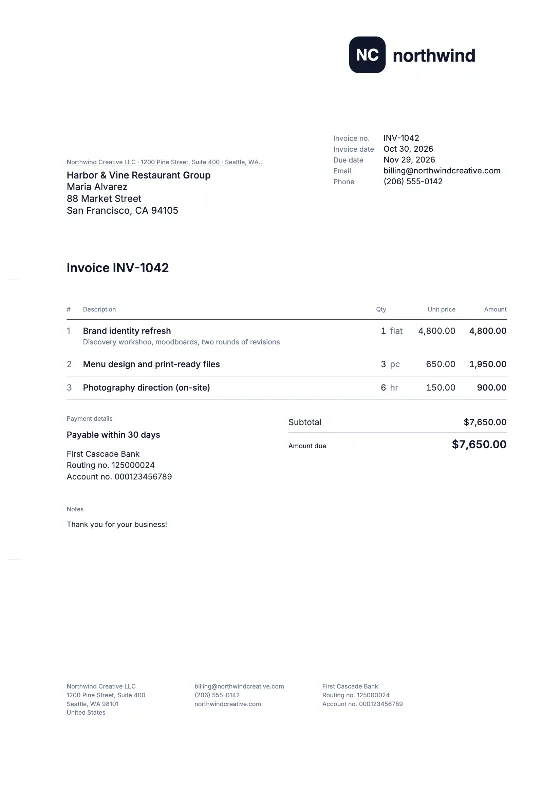
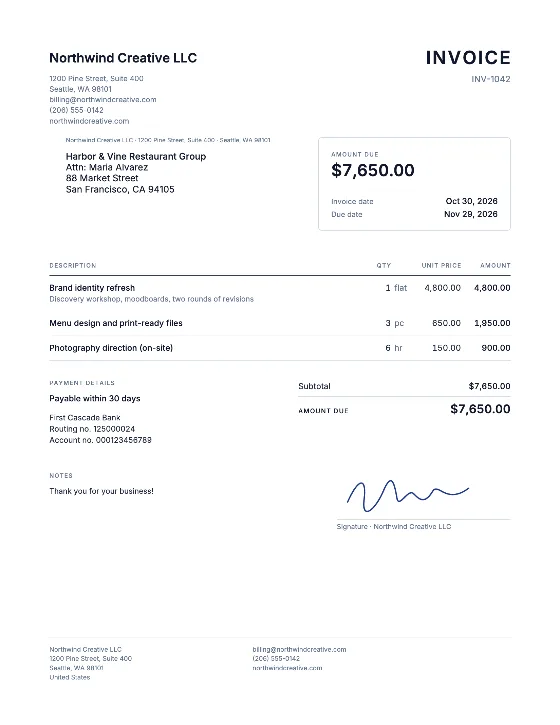
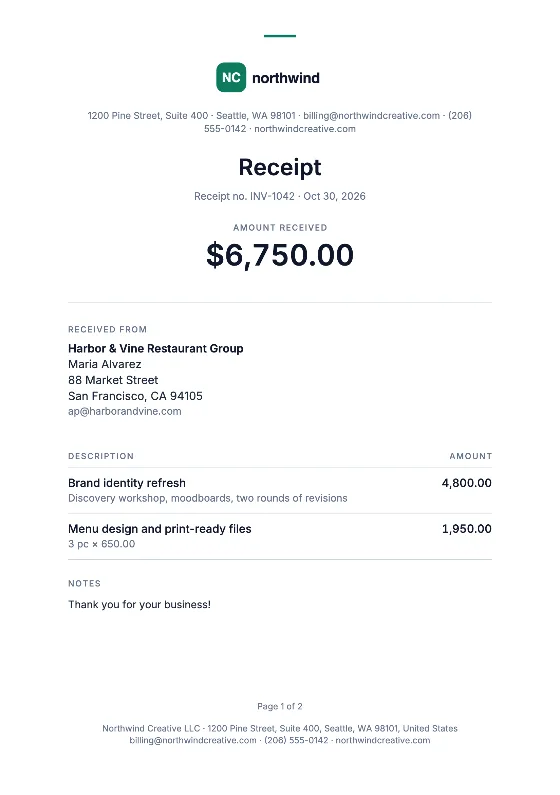
How to fill in the invoice PDF
- Download the blank PDF and keep it as your master copy.
- Open it in Adobe Acrobat Reader (free, Windows and Mac), Apple Preview on a Mac, or directly in Chrome, Edge or Firefox.
- Click into each field and type: your details, the client’s name and address, invoice number, dates, item descriptions, quantities and prices.
- Work out the amounts for each line and the total yourself, and type them into the amount fields.
- Save under a new name, such as “INV-2026-021.pdf”, so your blank template stays empty. In a browser, use the download or save icon in the PDF toolbar.
- Reopen the saved file to confirm the text is still there before you send it.
What a plain fillable PDF can and cannot do
| Task | Fillable PDF | Online editor |
|---|---|---|
| Type text into fields | Yes | Yes |
| Calculate line totals and tax | No | Yes, per tax rate |
| Add your logo | Depends on your PDF software | Yes |
| Remember clients and the next number | No | Yes, on your device |
| Warn about a duplicate invoice number | No | Yes |
| Works without office software | Yes | Yes |
The PDF is a good fit if you send a few invoices a year and want something quick. As soon as you invoice regularly, the arithmetic and the numbering become the weak spots. The free invoice generator handles both and still produces a PDF at the end.
Example: checking your own math
A photographer bills a 3-hour session at $150.00 per hour ($450.00), 20 edited images at $12.00 each ($240.00) and 5 prints at $20.00 each ($100.00). Subtotal $790.00. In her state only the prints are taxable, at 5%, so the tax is $5.00 and the total due is $795.00. In a fillable PDF you type each of these figures yourself, so add them up twice. Which items are taxable varies by state, so check yours.
Other blank formats
Prefer a word processor? Use the Word template. Want formulas? The Excel template calculates totals, and you can open it in Google Sheets too. All formats and online designs are in the template library. If you need to sign the invoice, create a signature image with the signature generator.