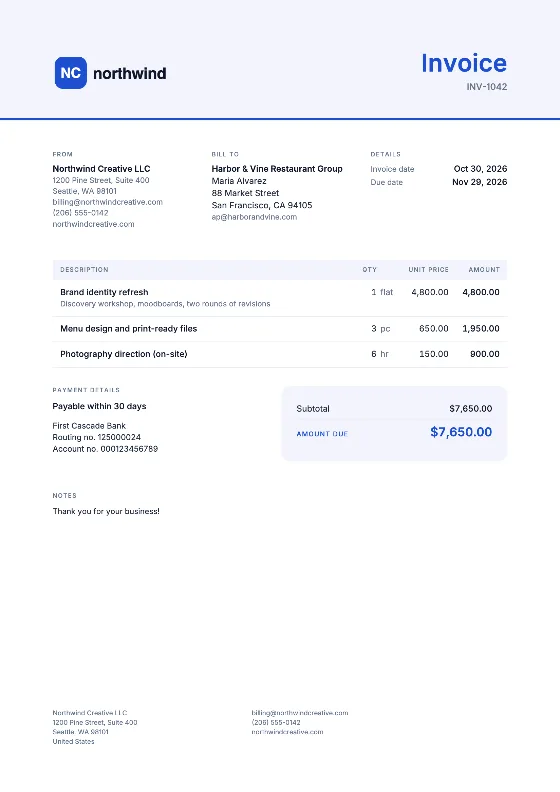
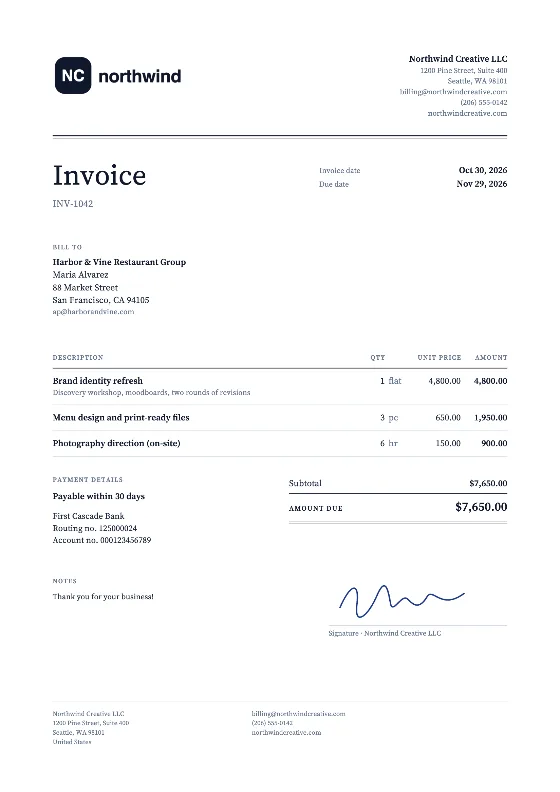
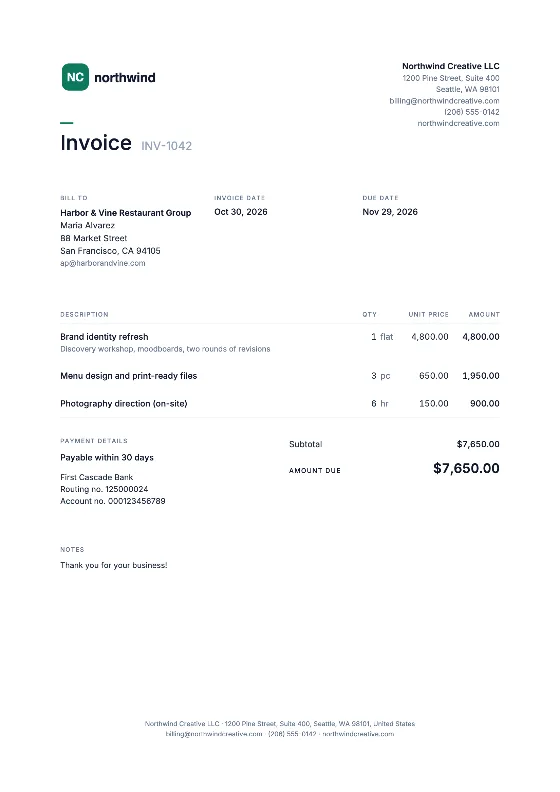
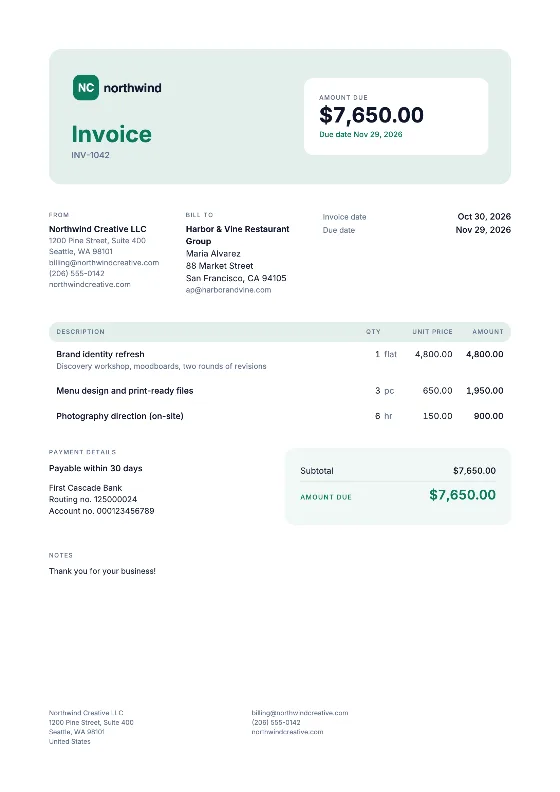
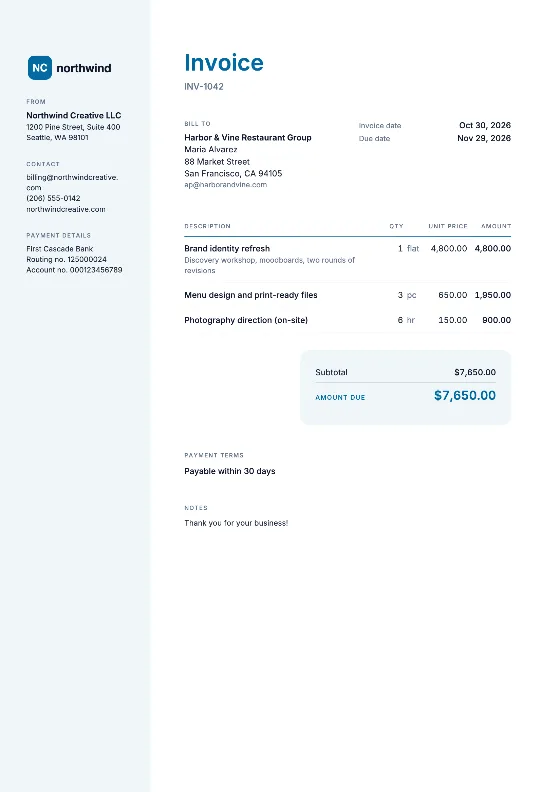
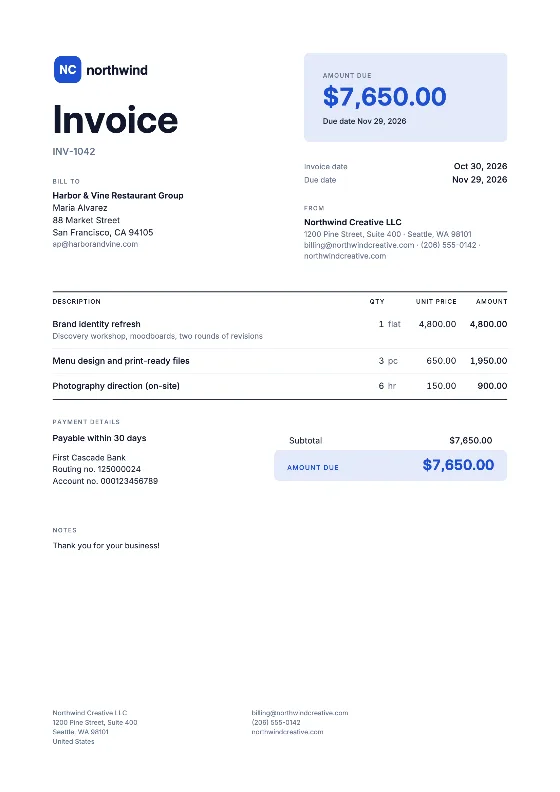
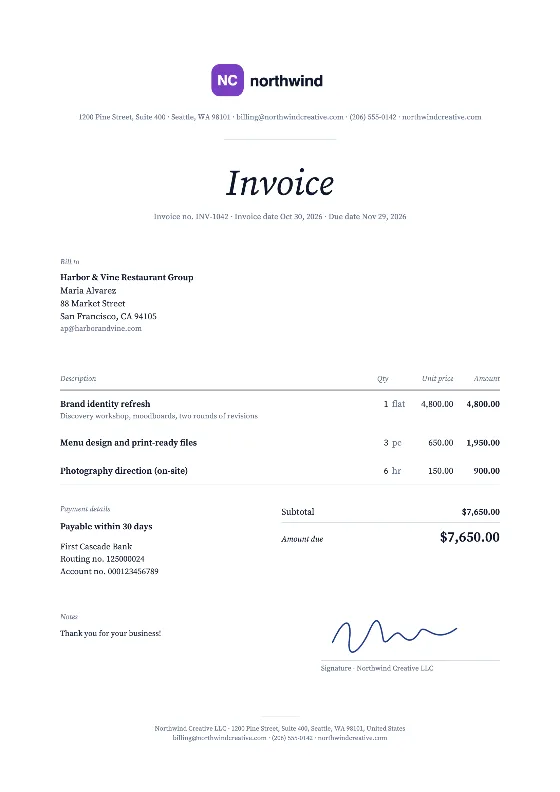
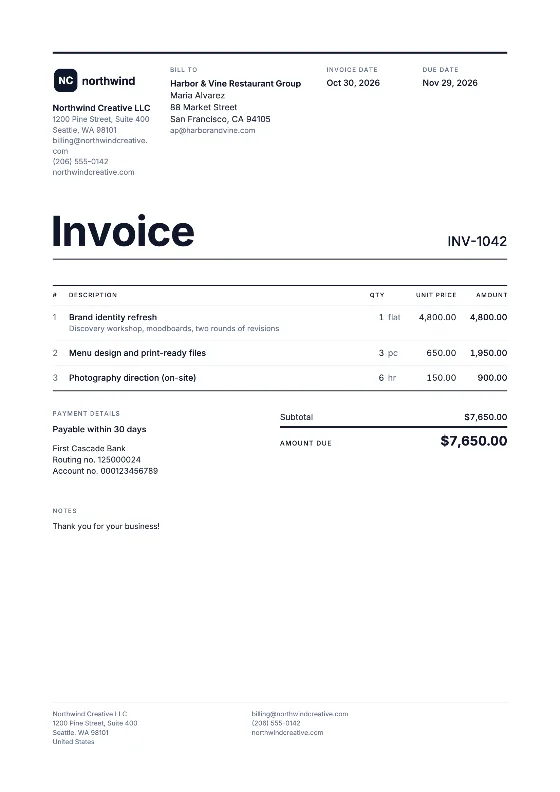
How to open the template in Google Sheets
- Download the XLSX from the button above.
- In Google Drive, click New → File upload and choose the file.
- Right-click it and choose Open with → Google Sheets.
- Choose File → Save as Google Sheets to create a native copy. Use that copy as your master.
You can also start in Google Sheets with File → Open → Upload and drag in the XLSX. The formulas for line amount, subtotal, tax and total carry over unchanged.
Filling in an invoice
- Open the master and choose File → Make a copy, named after the invoice number.
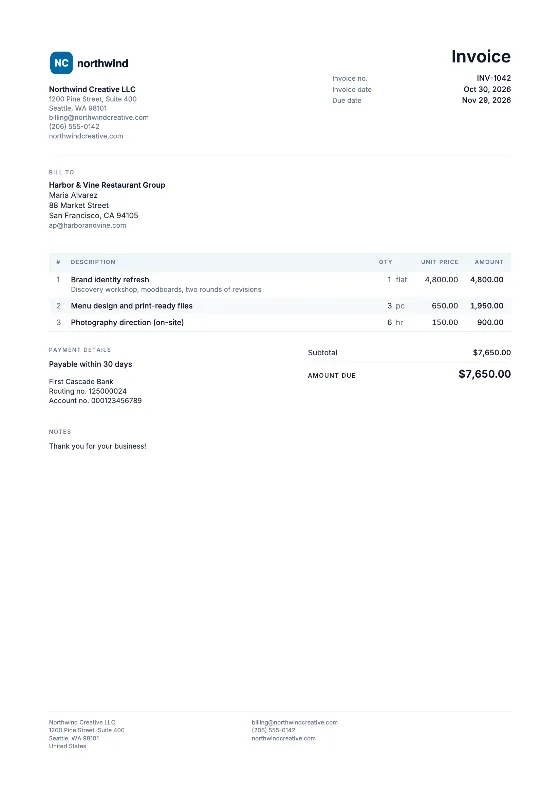
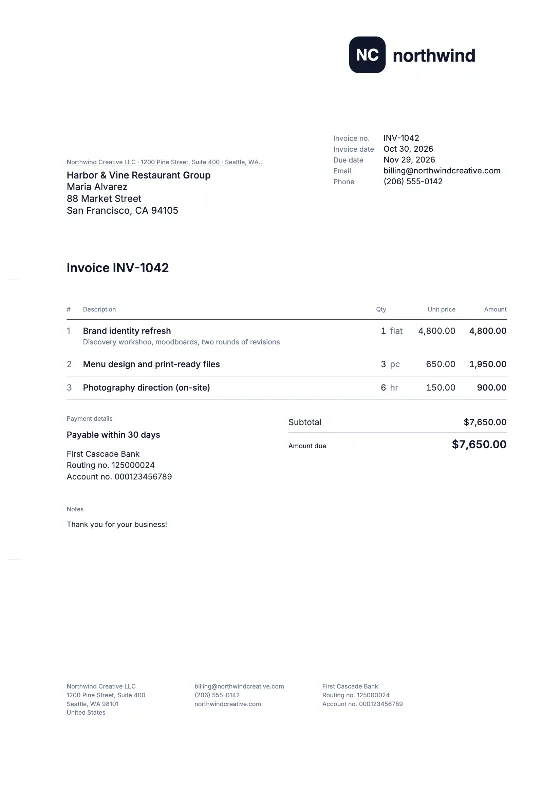
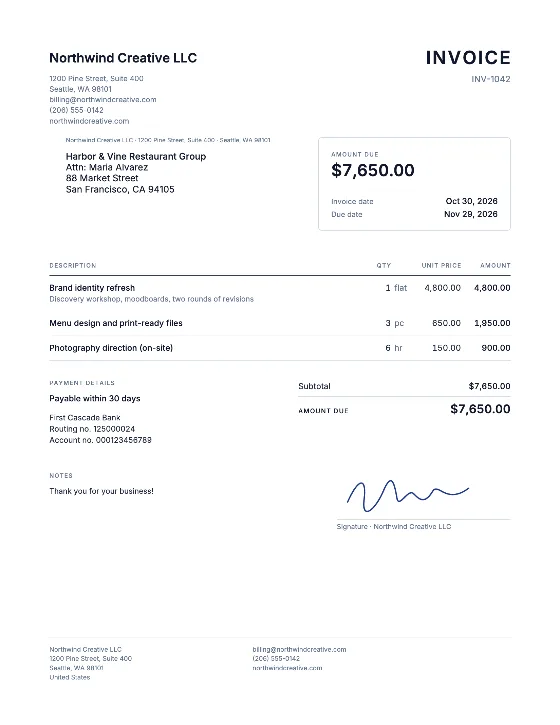
- Enter your details, the client, the invoice number and the dates.
- Type quantities and unit prices as plain numbers; amounts calculate automatically.
- Enter your tax rate, or 0 if you charge none.
- Add a logo with Insert → Image → Image over cells and drag it into place.
- Choose File → Download → PDF (.pdf). In the export settings pick “Current sheet”, set the paper size to Letter or A4 and choose “Fit to width” so the invoice fits on one page.
Adding item rows safely
Insert new rows between existing item rows: right-click a middle row number and choose Insert 1 row above. Copy the amount formula from the row above into the new row. The SUM range stretches automatically because the new row sits inside it. Rows added under the last item are not counted.
Example
| Item | Qty | Unit price | Amount |
|---|---|---|---|
| Deep clean, 2-bed apartment | 1 | $180.00 | $180.00 |
| Oven cleaning | 1 | $45.00 | $45.00 |
| Window cleaning, inside | 10 | $4.50 | $45.00 |
| Subtotal | $270.00 | ||
| Sales tax 0% | $0.00 | ||
| Total | $270.00 |
When to switch to the online editor
Google Sheets is great when you want formulas and access from any device. It does not remember which invoice number comes next, cannot warn you about duplicates and has no separate rates per line unless you build them. The online invoice generator does all of that and keeps your data in your browser. For a document-style layout, see the Google Docs template. The source file and more tips are on the Excel template page, and all formats are in the template library. Need a quote rather than an invoice? The quote maker converts accepted quotes into invoices. Unsure about due dates? Read payment terms explained.