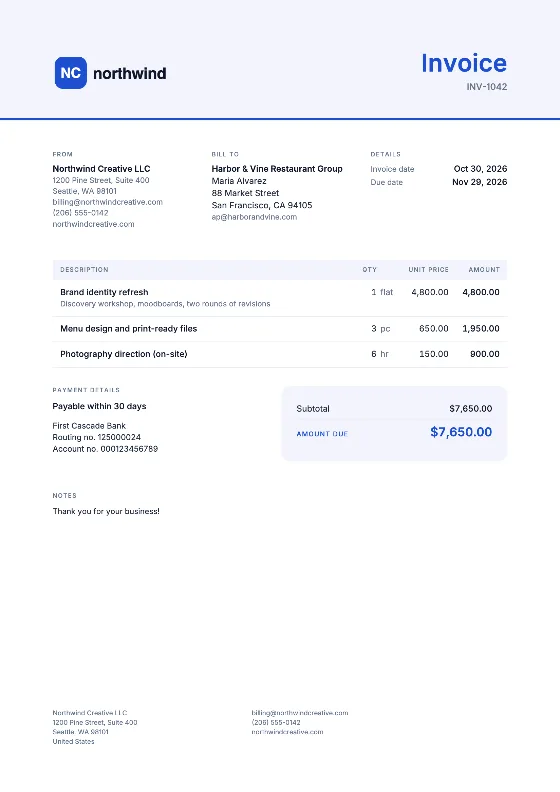
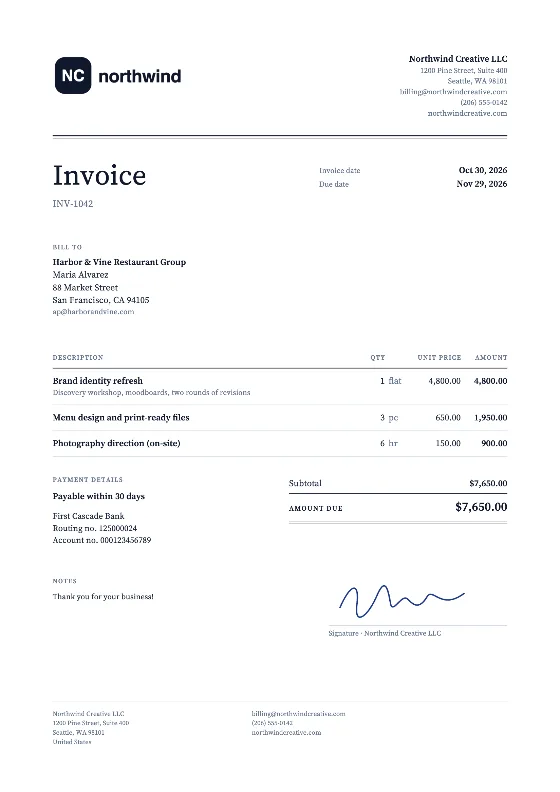
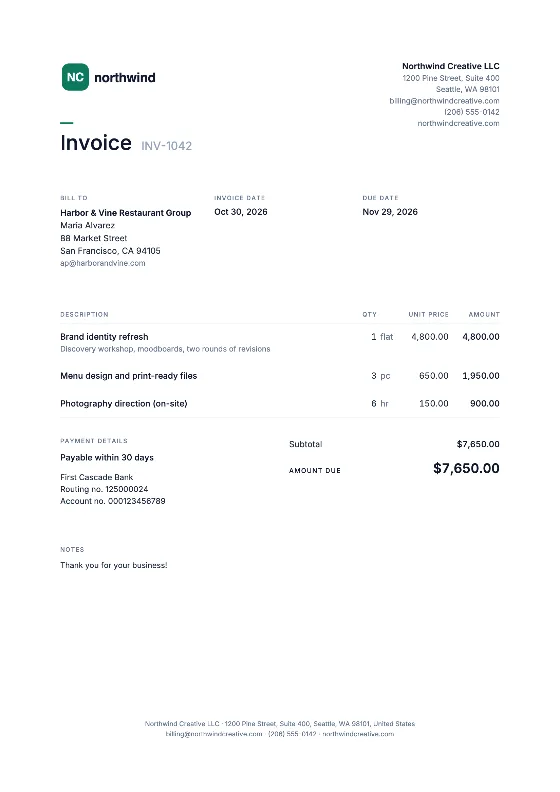
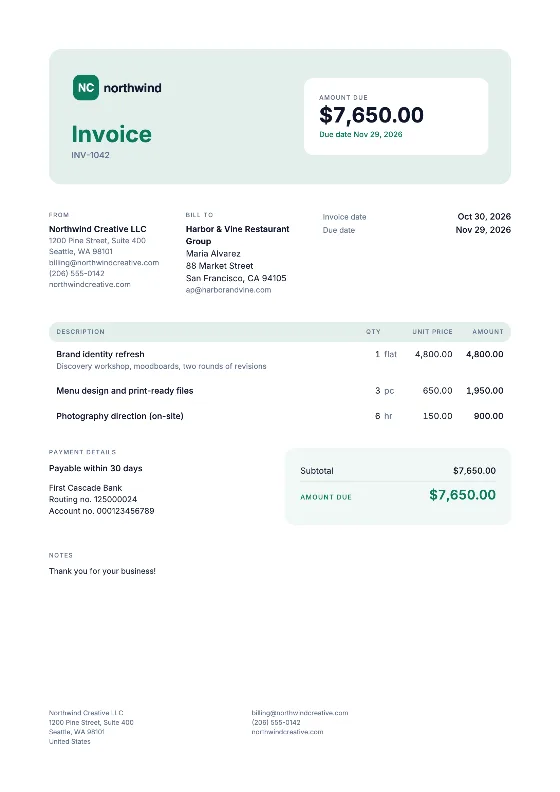
How to open the invoice template in Google Docs
Option 1: through Google Drive
- Download the DOCX from the button above.
- Open Google Drive and click New → File upload, then pick the DOCX.
- Right-click the uploaded file and choose Open with → Google Docs.
- In Google Docs, choose File → Save as Google Docs. You now have a native Google Docs version to use as your master.
Option 2: from inside Google Docs
- Open Google Docs and choose File → Open.
- Select the Upload tab and drag in the DOCX.
- Then use File → Save as Google Docs as above.
Creating each new invoice
- Open your master and choose File → Make a copy. Name the copy after the invoice number, for example “INV-2026-007 – Riverside Cafe”.
- Replace the placeholder text with your details, the client and the items.
- To add a logo, choose Insert → Image → Upload from computer.
- Add a table row with right-click → Insert row below.
- Work out the line amounts and the total. Google Docs tables do not calculate.
- Choose File → Download → PDF document (.pdf) and send the PDF.
Keep the master untouched and put all copies in one folder, such as “Invoices 2026”. The folder listing sorted by name then doubles as your numbering record. Our invoice numbering guide explains why there should be no gaps.
Example: a simple service invoice
| Description | Qty | Rate | Amount |
|---|---|---|---|
| Copywriting, product pages | 8 | $65.00 | $520.00 |
| Revisions round | 1 | $80.00 | $80.00 |
| Total | $600.00 |
Due date: 14 days from the invoice date. Payment by bank transfer; add your account details in the payment box.
Docs, Sheets or the online editor?
Google Docs is pleasant for writing but does no math. If you want totals and tax calculated, open our XLSX in Google Sheets instead. If you want numbering, saved clients and a PDF in one go, the online invoice generator is the quickest option. The original files are on the Word template page and in the template library.